AI poster generator to make and edit posters
Turn a brief into a poster worth sharing. Start with a text brief, explore visual directions, then refine your poster. Find ideas for events, social posts, and print-ready designs.
Generate Your Poster
Describe your idea, choose a direction and size, then take your brief into the poster workflow.
Describe Your Vision
Describe Your Vision
Choose Style
Poster Size
Choose a format for your design
Live Preview
Your poster starts with an idea
Use the creation workflow to review your design.

Built-in Poster Editor
Take a generated design into an editor to adjust text, add your own imagery, and fine-tune the layout before saving your poster.
Edit Text & Layout
Refine the words, reposition elements, and bring the composition closer to your original idea.
Add Your Own Images
Bring photos, logos, or other graphics into a design to make it distinctly yours.
Save Your Design
Prepare a finished visual for sharing, display, or further creative work.
Browse by Style
Explore visual directions for your next design, from expressive artwork to polished editorial layouts.
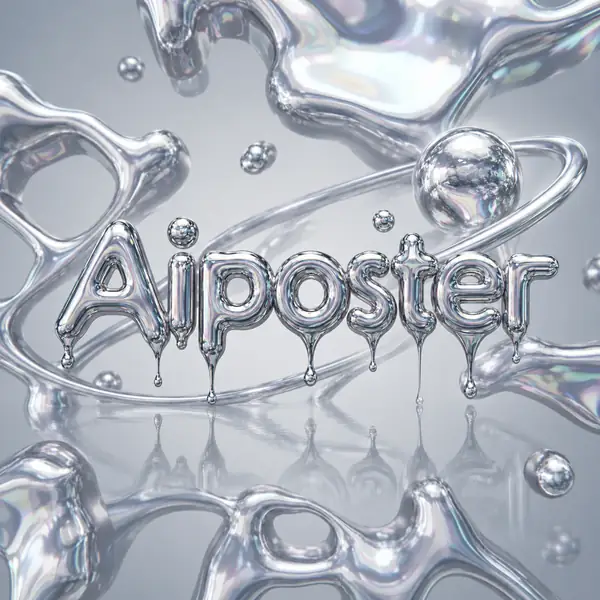
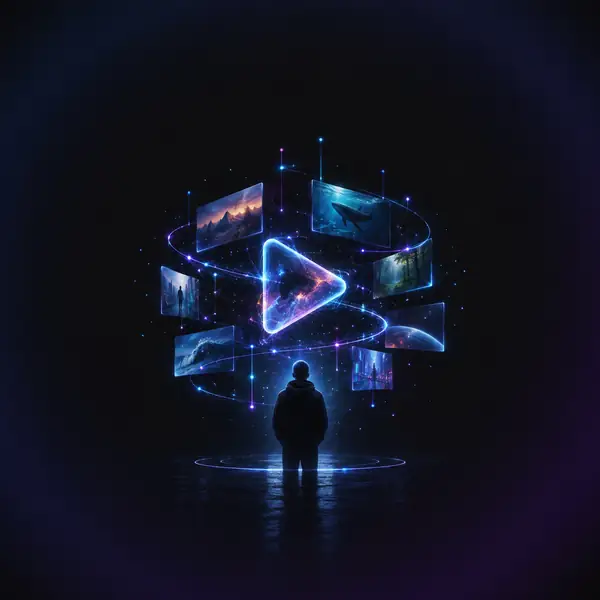
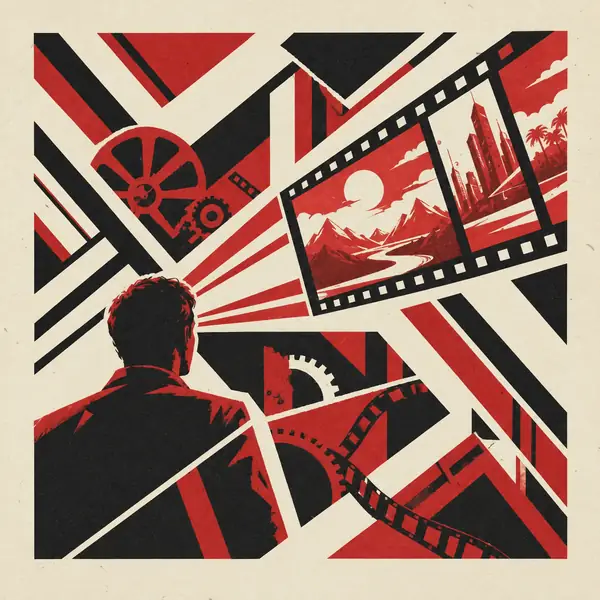
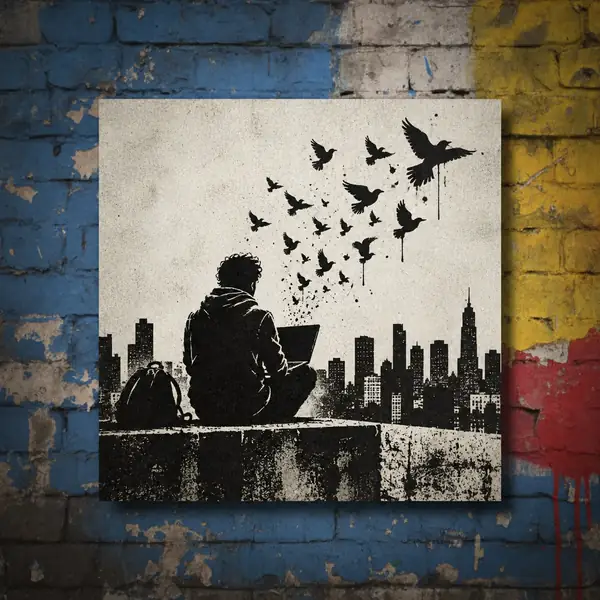
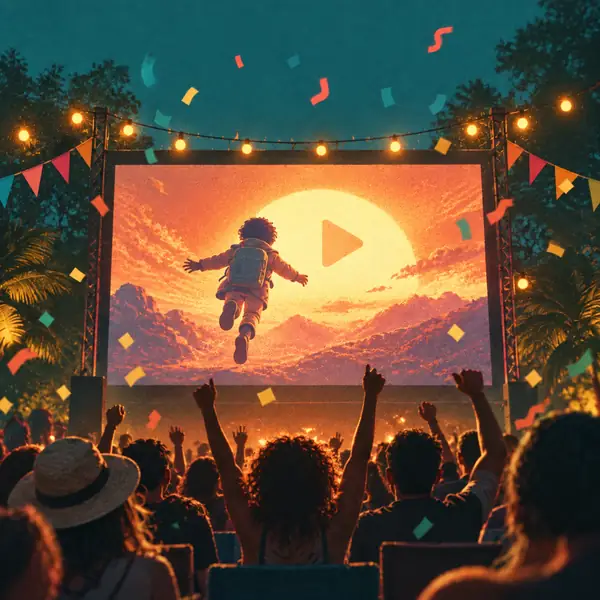
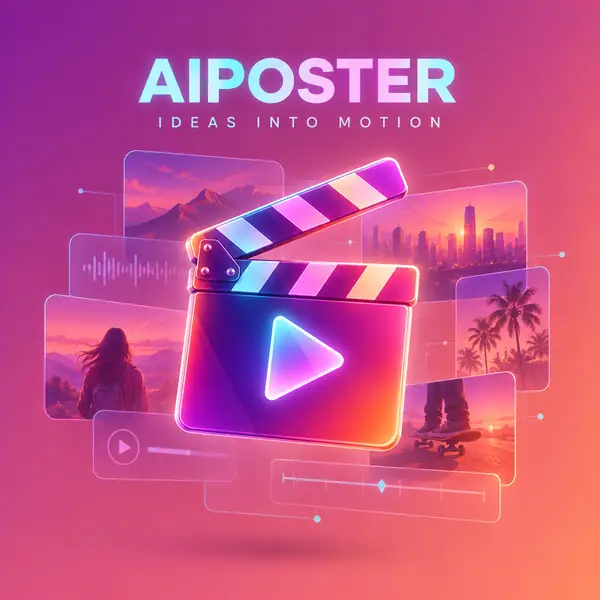
Featured AI Posters
Explore poster ideas across styles, subjects, and creative moods.
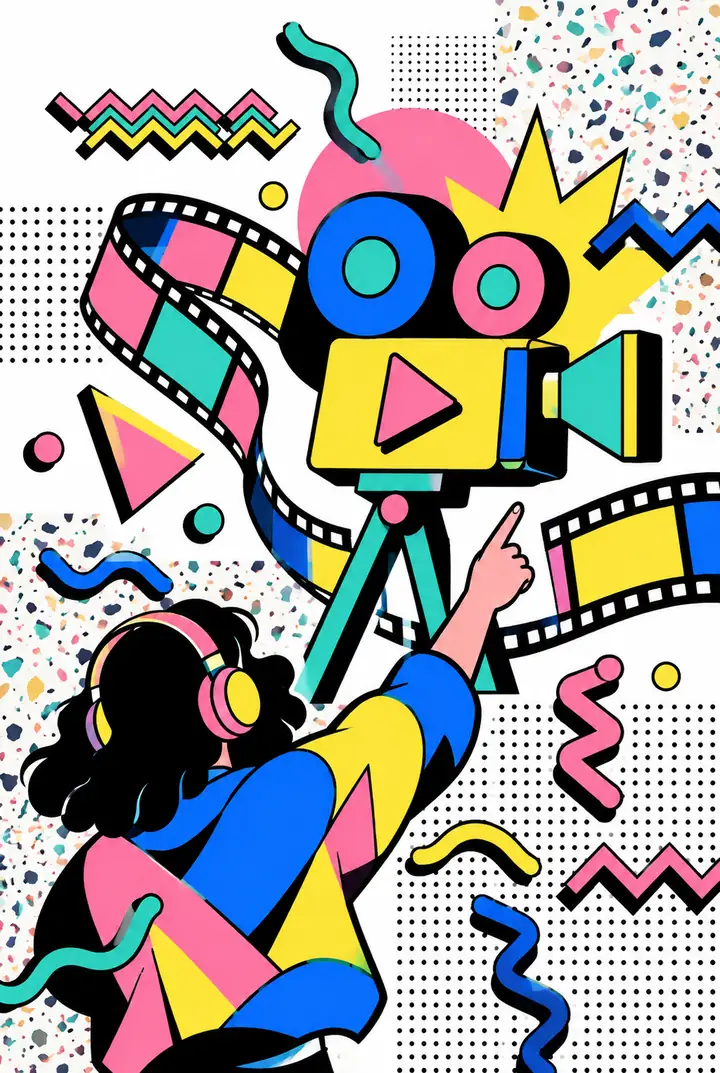
Vibrant Memphis Art
Memphis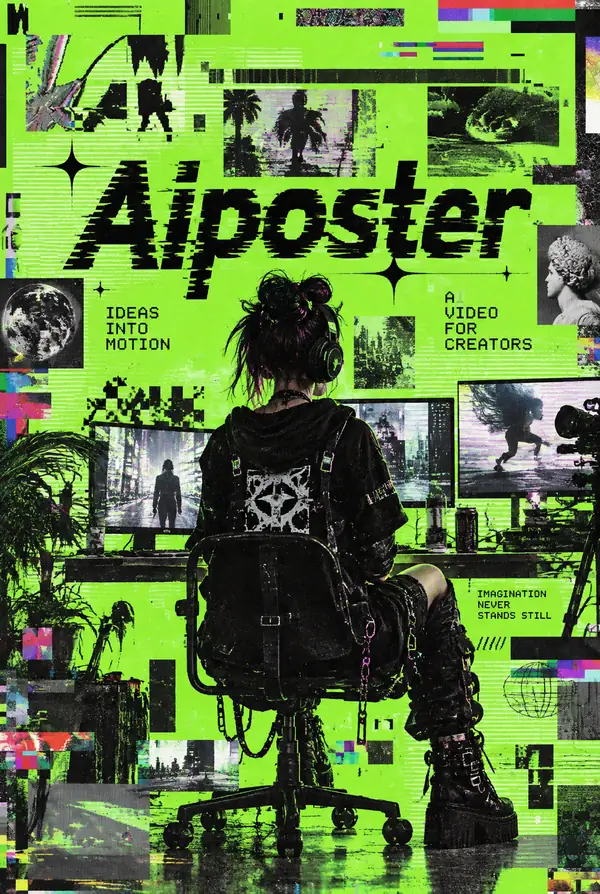
Glitch Art Energy
Brat Style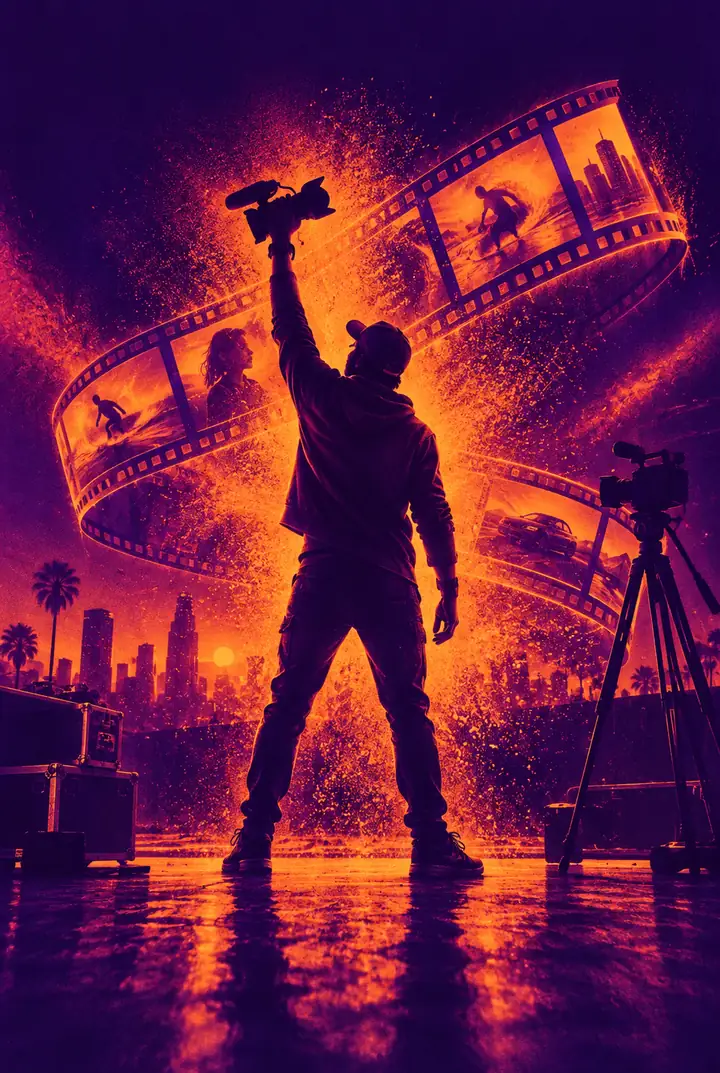
Duotone Game Day
Duotone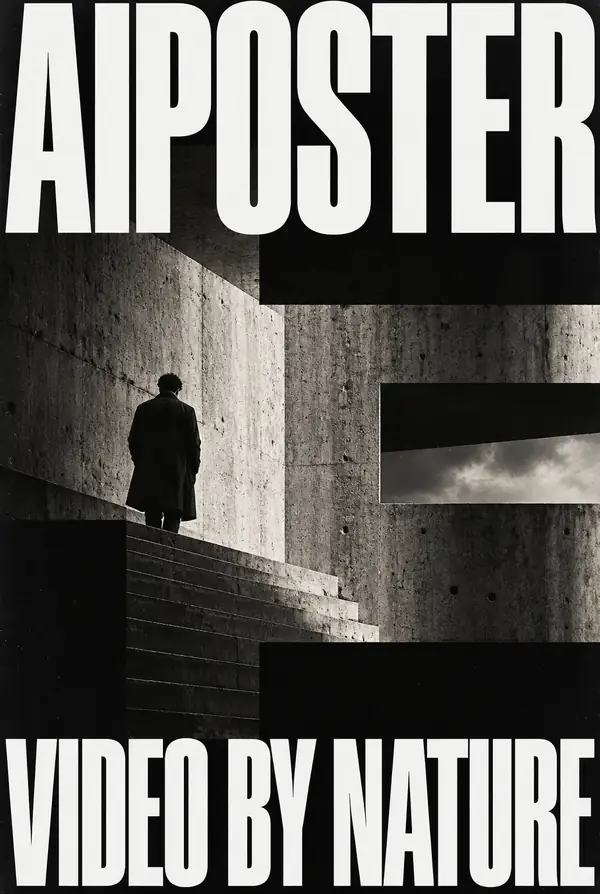
Brutalist Forms
Brutalist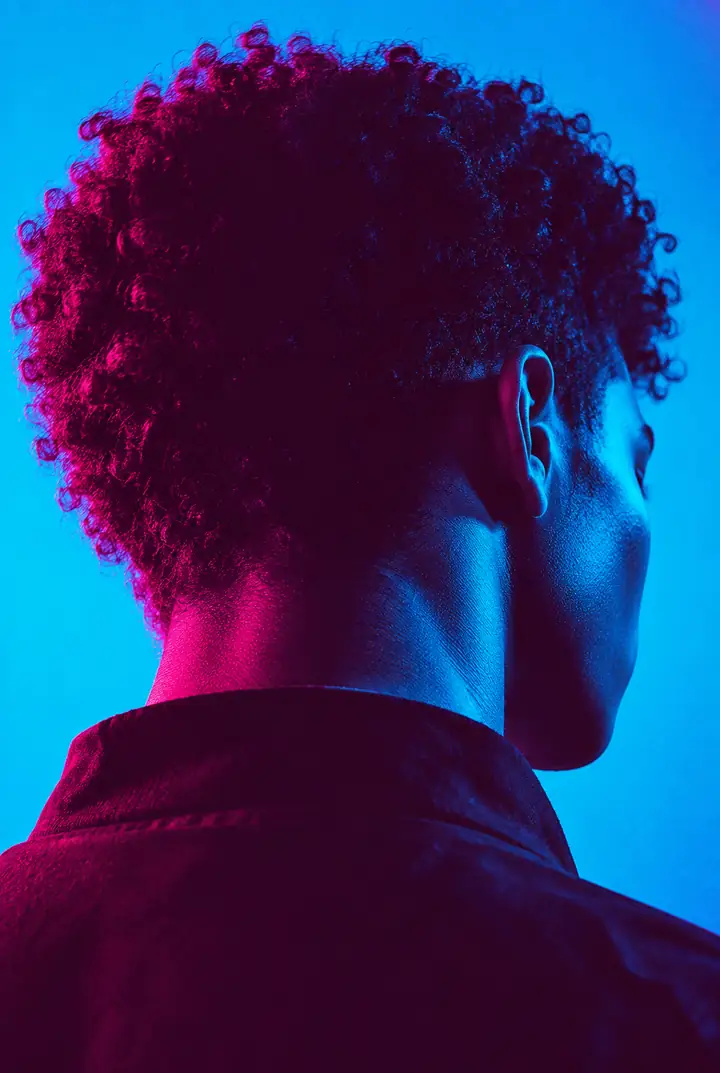
Blue Duotone Portrait
Duotone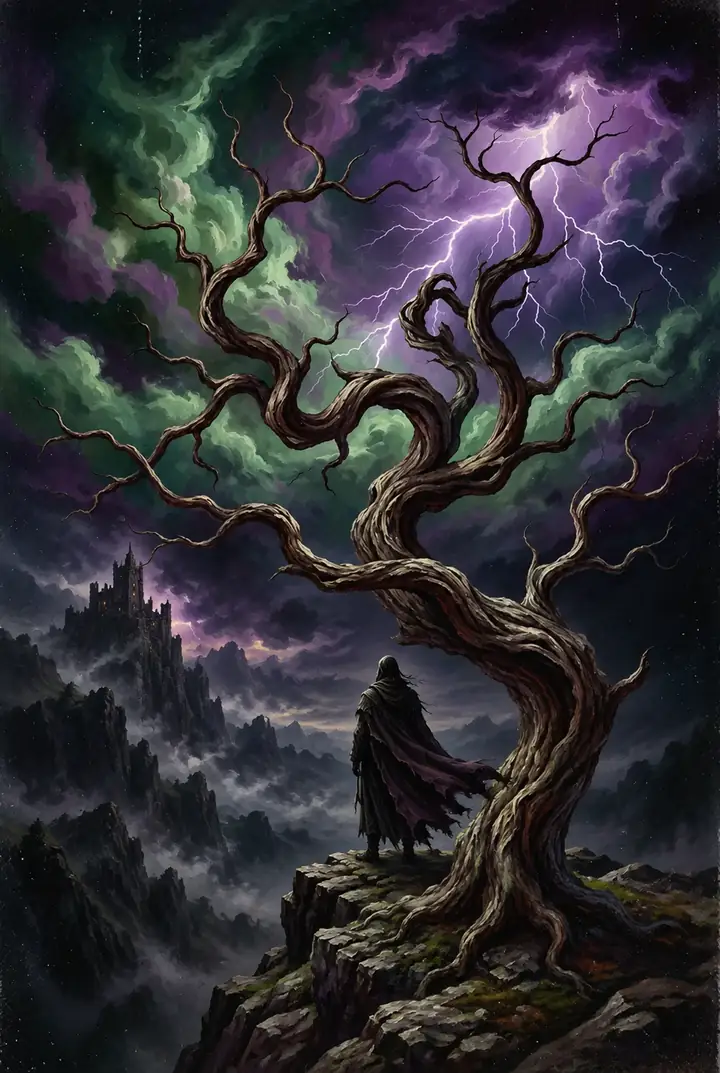
Expressionist Sky
Expressionism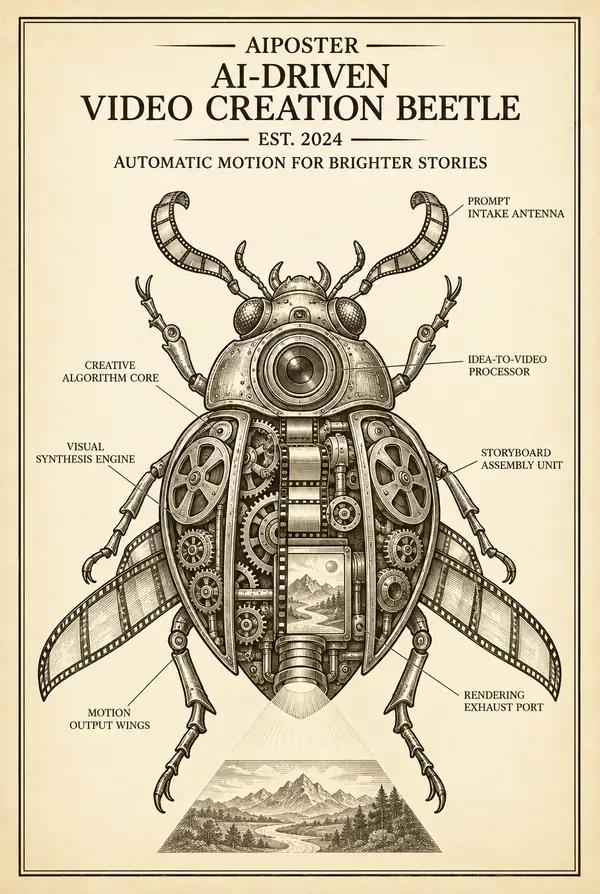
Mechanical Blueprint
Blueprint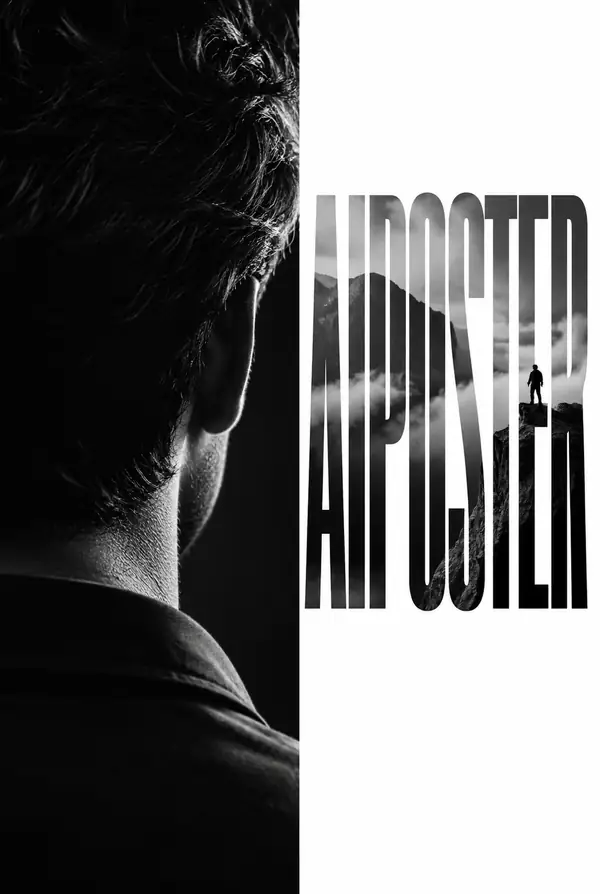
Corporate Clean
Editorial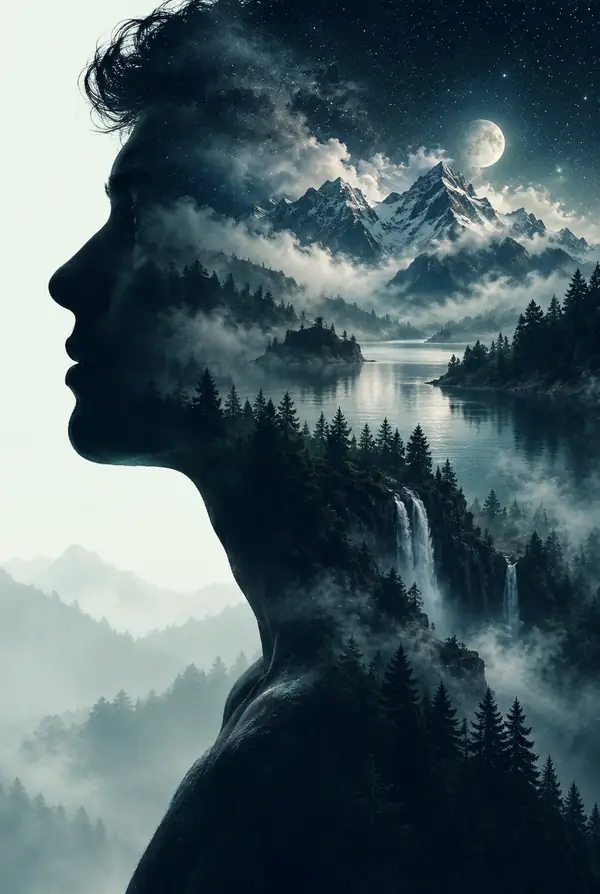
Layered Portrait
Double Exposure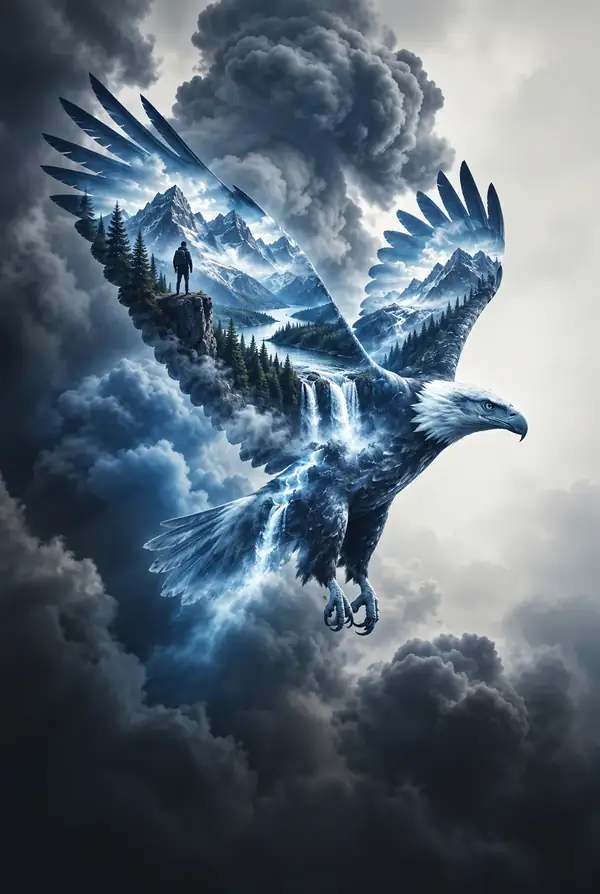
Soaring Eagle
Double Exposure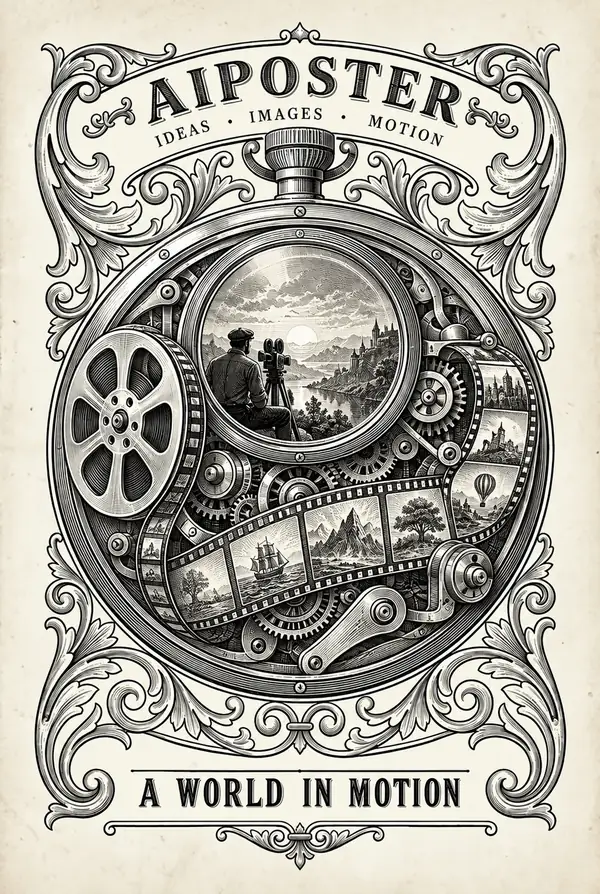
Technical Engraving
Engraving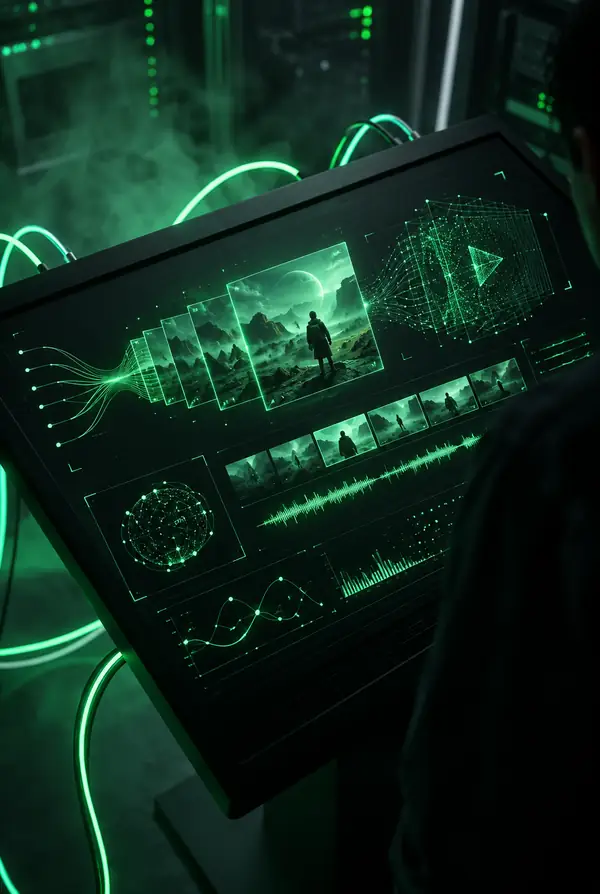
Dark Mode Surface
Dark ModeFrom Brief to Poster Workflow
Skip the complicated first draft. Begin with a short idea, pick a direction, and move toward a poster you can shape further.
Start with a brief and move into a visual poster workflow without building every element from scratch.
Compare visual approaches to find a fitting mood for your poster.
Describe the subject, mood, colors, and composition to guide the result.


How It Works: 5 Generation Modes
Choose a starting point based on speed and creative control.
Quick Generation
Enter Description
Describe your poster idea
Music festival poster with neon lights...
✦ Refine ideaSelect Style
Choose a visual direction
Size & Continue
Choose a format for the brief
All-in-One AI Poster Creation Platform
Bring prompts, style inspiration, formats, and editing ideas together in one creative workflow.
Smart Prompt Optimizer
Build a richer brief with details about composition, color, mood, and typography.
Current Style Routes
Compare examples and visual directions before deciding what suits your poster.
Flexible Creation Modes
Start simply or give your brief more creative direction and control.
Multiple Poster Formats
Consider square, portrait, story, and wide compositions for different uses.
Built-in Poster Editor
Refine your words, images, and arrangement after the initial concept.
Supporting Image Tools
Keep the supporting visual work connected to your poster brief.
Find ideas in posters people choose to share
Browse public designs for fresh takes on color, composition, and subject matter. Your own ideas can begin with a private brief.
AI Poster Generator FAQ
A few useful answers before you begin your next brief.
Can I try making an AI poster?
You can start with a short idea and explore the available creation workflow.
Do I need design skills or prompt experience?
No. Begin with a subject and mood, then add details as you discover what works.
What kinds of poster styles can I explore?
Look through the gallery for directions ranging from graphic and minimal to expressive and cinematic.
What about using a design commercially?
Review the terms of the creation service and check any imagery or trademarks before publishing.
Can I plan posters for social media and print?
Yes. Choose a format suited to the destination and review the final dimensions before using it.
How long does a poster take?
Timing depends on the workflow and your revisions. A concise brief is a good place to begin.
Can I edit a poster afterward?
Use the available editing tools to refine text, imagery, and layout after the first design.
Can I start a poster on my phone?
Yes. Start from a brief or tap an example idea; a larger screen may be more comfortable for detailed editing.
Start a New Poster Brief
Have an idea in mind? Give it a subject, a mood, and a visual direction.